Ralph,
Here's another option if you want to use your PC.
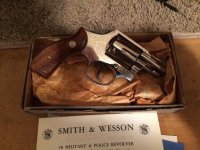
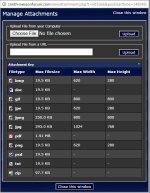
-Upload your photo(s) like you did in the first post.
-Once you submitted the post, hover over the thumbnail until it enlarges, then click on the enlarged image to bring it full screen.
-Highlight and copy the image address from the address bar at the top of window.
-Hit the "back" button a few times to get back to the post view.
-Click edit in the post and then click "go advanced". You'll see a little mountain icon at the top of the post window (insert image button); click on it.
-Paste the URL (address) into the field and click enter.
If there's a better way to do it, I don't know how. It's easier to do than it is to explain!










 Still, it's a much better method than using Photobucket -- thanks!


