Posting pictures
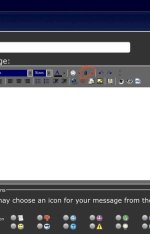
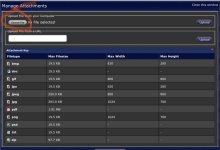
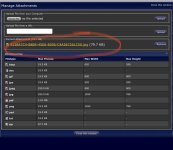
It’s pretty easy. Just click on “post reply”, then click on the paper clip in the toolbar as shown in my picture below. That will bring up the “manage attachments” page. Then click on “choose file” in upper left. Pick a picture from your saved images or take a picture and click “upload” on the far right. Picture will upload, then show as an attachment halfway down the page. Click on “close this page” at the bottom of the page, and you’re back at the posting box. Easy peasy!